Every café and restaurant owner eventually hits the same question: do we need a digital ordering system, and if so, which one?

The honest answer is it depends less on the brand and more on whether it has the right features for how your floor actually runs. A lot of systems are built for a specific kind of restaurant — quick-service chains, fine dining, delivery-only kitchens — and force everyone else to work around them. If you’re a café, a karinderya, or a mid-size restaurant in the Philippines, here’s what to actually check for before you commit to one.

1. QR ordering guests can use without downloading anything

The whole point of QR ordering is removing friction, not adding it. If your system asks guests to create an account, download an app, or log in before they can browse the menu, you’ve recreated the problem you were trying to solve.

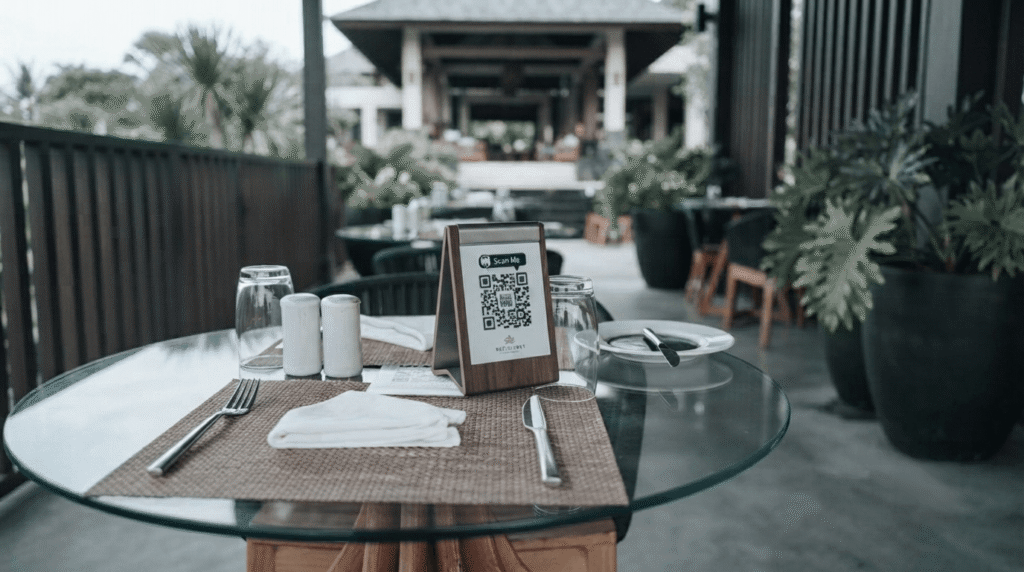
Look for QR ordering that opens straight to the menu in a browser — no app, no signup, no password. The guest scans, browses, and orders in the same tab they already have open.

2. Real-time menu control (86 an item in seconds)

Ingredients run out mid-shift. A good system lets you mark an item sold out from your phone the moment it happens — not after three tables have already ordered it and you have to walk over and apologize.

This matters more than most owners expect until the first Saturday rush where the kitchen runs out of the bestseller at 7pm.

3. A kitchen queue your staff can’t miss

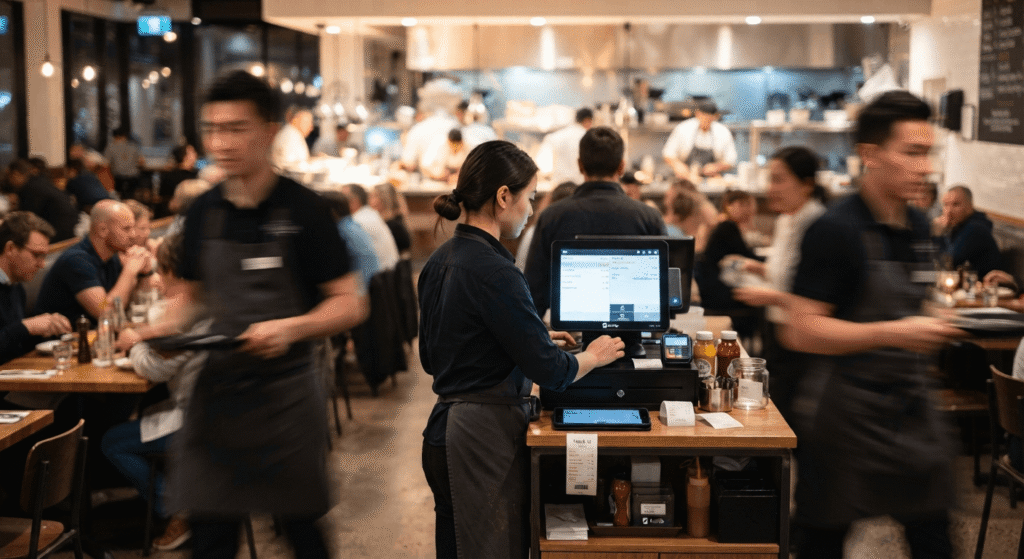
An order sitting in a dashboard that nobody’s watching is the same as no order at all. The kitchen needs a queue that’s visible from where they’re actually standing — a tablet or screen mounted where the cooks are, not buried in a manager’s phone.

If you’re a smaller café without a dedicated kitchen display, at minimum the system should notify staff loudly enough that a new order can’t get missed during a rush.

4. Order status guests can track themselves

“Is my order coming?” is the single most repeated question on any busy floor. A tracking page guests can check on their own phone — confirmed, being prepared, ready — cuts down on staff having to walk over and check for every table, every few minutes.

5. Table and floor management that matches how you actually seat people

Tables get merged for big groups. A guest asks to move seats halfway through their order. A group splits into two tables. If the system treats an order as permanently tied to one table, every one of these normal, everyday situations turns into a workaround.

Look for systems where an order and a table are separate things — the order can move, get reassigned, or convert from a walk-in counter order into a seated one, without starting over.

6. No forced online payment

This one surprises people, but for a lot of Philippine cafés and restaurants, forcing an online payment step is a dealbreaker, not a feature. Guests are used to paying at the counter or at the table, in cash or via GCash, the way they already do. A system that requires a card or online payment before an order goes through adds a step your regulars didn’t ask for — and can quietly lose you the walk-in crowd that just wants to order and pay the way they always have.

The confirmation should happen with a real person checking the order, not an automated payment gateway standing in for one.

7. Simple, honest analytics — not a dashboard you need training for

You don’t need forecasting models. You need to know what’s selling, what’s not moving, and roughly how busy each day of the week is, so you can plan stock and staffing. If the analytics page takes longer to understand than it saves you, it’s not helping.